



Email is the master key to your online life. If someone gets into your inbox, they can reset passwords, steal private files, and impersonate you in minutes. The scary part is that most takeovers don’t happen through “advanced hacking.” They happen because of simple, avoidable mistakes like weak passwords, skipped updates, and clicking the wrong link. This guide breaks down eight common email security slip-ups and the practical fixes that shut attackers out fast.
1) Weak or Reused Passwords
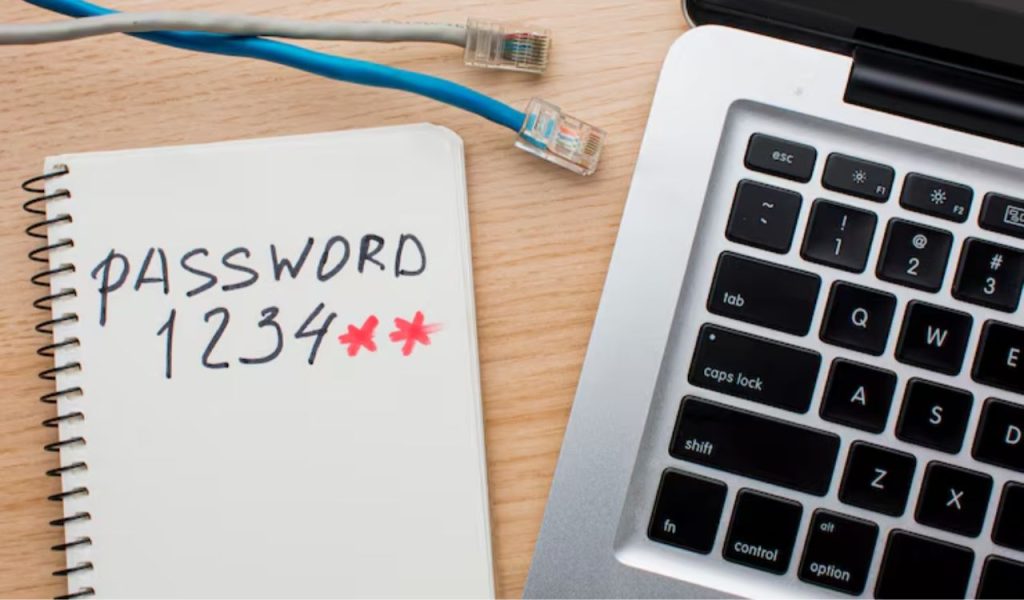
If your email password is short, common, or reused, you are making life easy for hackers. They don’t guess one account at a time. They grab passwords from old breaches and try them on email accounts in bulk. If you reused the same password anywhere, your inbox can be next. And once they’re in, they can reset passwords for your bank, social apps, and cloud storage within minutes. Fix it fast: use one strong, unique passphrase for email, at least eighteen characters long. Store it in a trusted password manager so you never reuse it again.
2) No Two-Factor Authentication
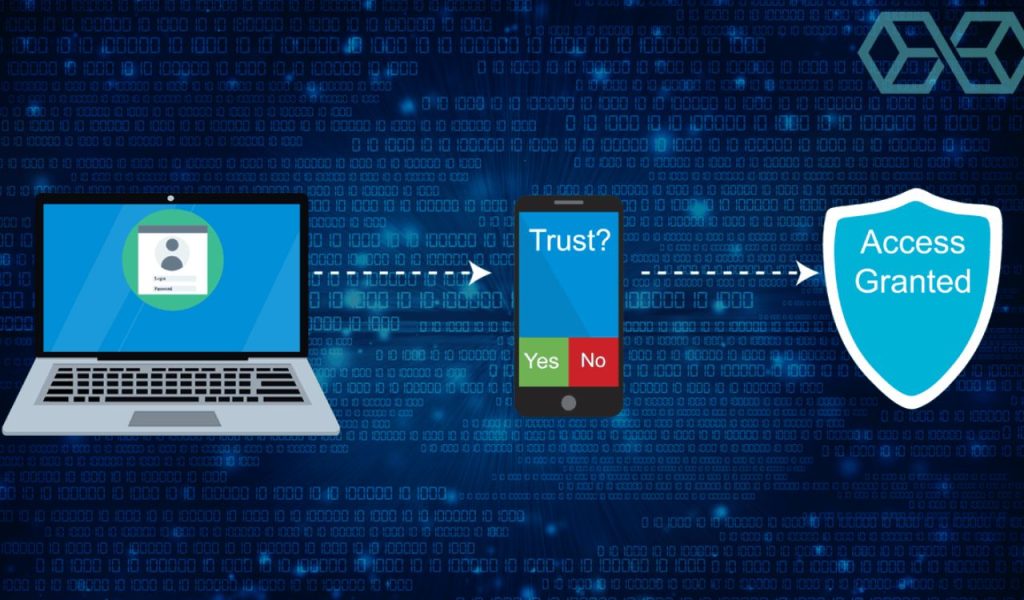
A password by itself is a weak fence. If it gets stolen, the attacker walks in. Two-factor authentication adds a second lock, so a leaked password alone won’t work. Use an authenticator app or a security key, not SMS, because texts can be intercepted or SIM-swapped. Save your backup codes in a safe place so you don’t lock yourself out. Turn on login alerts too, so you know when something weird happens. This is one of the highest-impact fixes you can make, and it takes only a few minutes to set up.
3) Phishing Links & Attachments
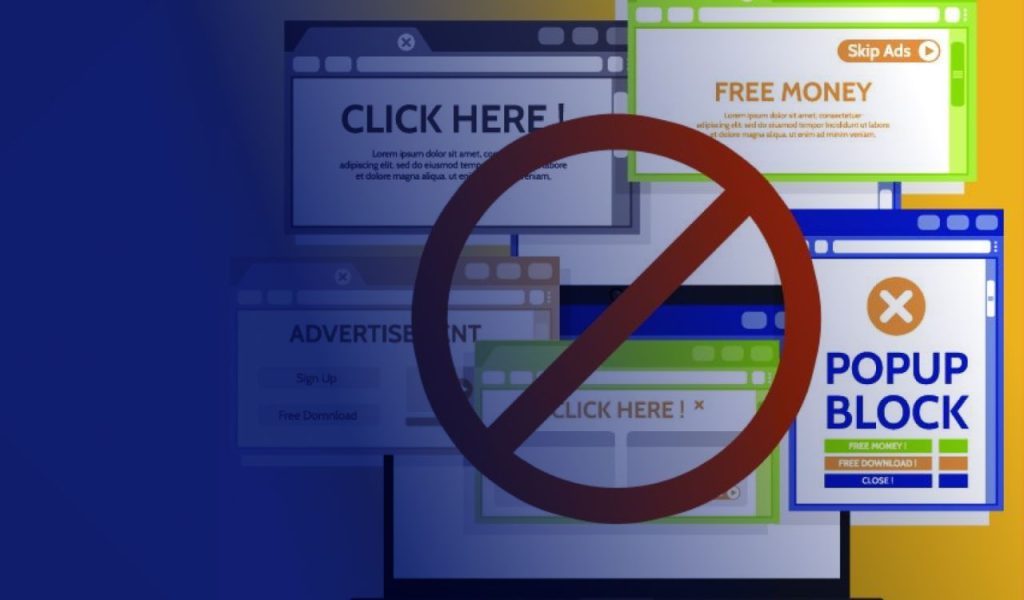
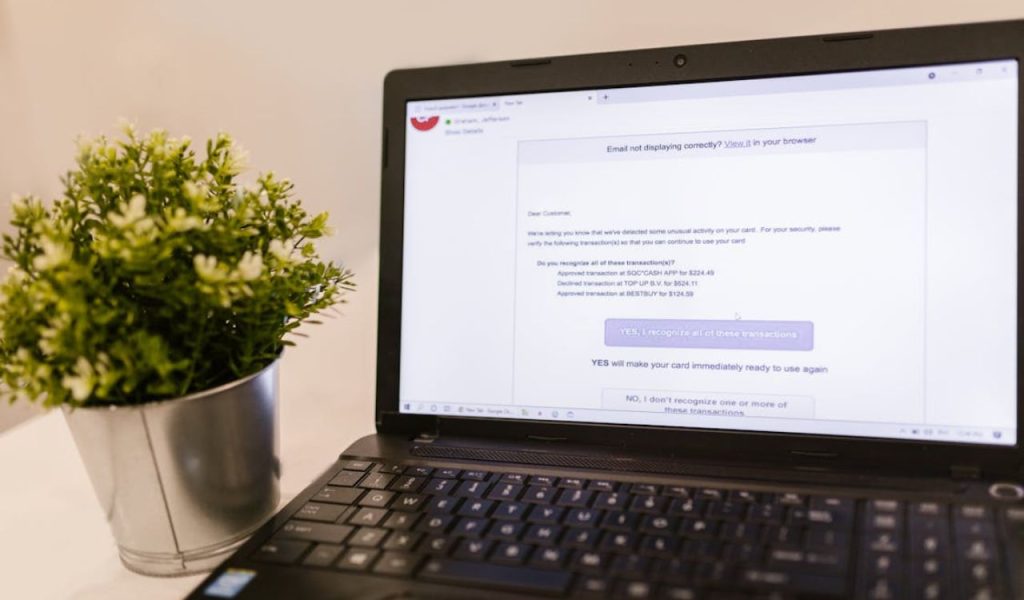
Phishing emails are built to trigger panic and speed. They look like your bank, your boss, or a delivery company and push you to click right now. One click can send you to a fake login page that steals your password, or an attachment that installs malware. Slow down. Don’t click links in unexpected emails. Open a new tab and type the official website yourself. Check the sender’s full address, not just the display name. If it’s “urgent,” verify it using a trusted number or a separate message thread. When in doubt, delete it.
4) Skipping Updates
Skipping updates leaves known holes open. Old systems, browsers, and email apps often have vulnerabilities that attackers already understand and actively exploit. Many account takeovers start on the device by stealing saved passwords, session tokens, or installing spyware. Keep it simple: turn on automatic updates for your phone, computer, browser, and security tools. Restart when prompted. Also, remove shady extensions and apps you don’t use, because they can become backdoors. Updates aren’t about new features. They are about closing security gaps before someone uses them against you.
5) Unsecured Public Wi-Fi
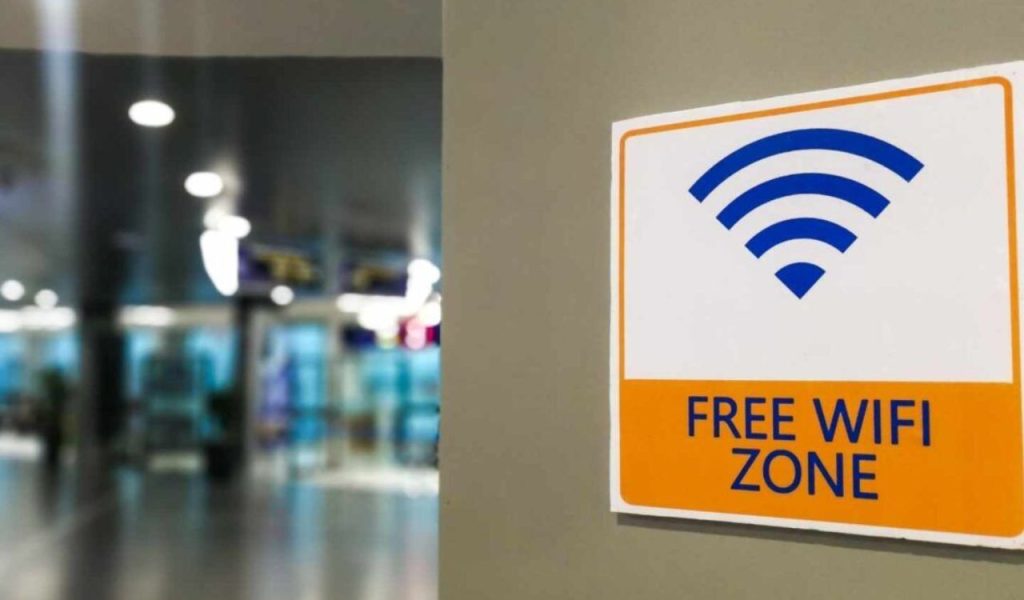
Public Wi-Fi is convenient, but it’s not built for safety. Attackers can set up fake hotspots with similar names, monitor weak networks, or redirect you to look-alike login pages. Even if the site uses HTTPS, a bad network can still increase your risk. The safest move is to avoid signing into email on public Wi-Fi. Use mobile data instead. If you must use Wi-Fi, use a trusted VPN, disable auto-connect, and confirm the network name with staff. Log out when done and don’t save passwords on shared or public computers.
6) No Email Encryption
Email isn’t automatically private. If you send sensitive info in plain text, you’re relying on luck. Messages can be forwarded, exposed in breaches, or viewed on compromised devices. Don’t email passwords, scans of IDs, financial details, or confidential files without protection. Use encrypted email options when available, or share documents through a secure link with access controls and expiry dates. If you must email something sensitive, send only the minimum and confirm the recipient carefully. A small extra step now is cheaper than a serious leak later.
7) Unlocked Devices
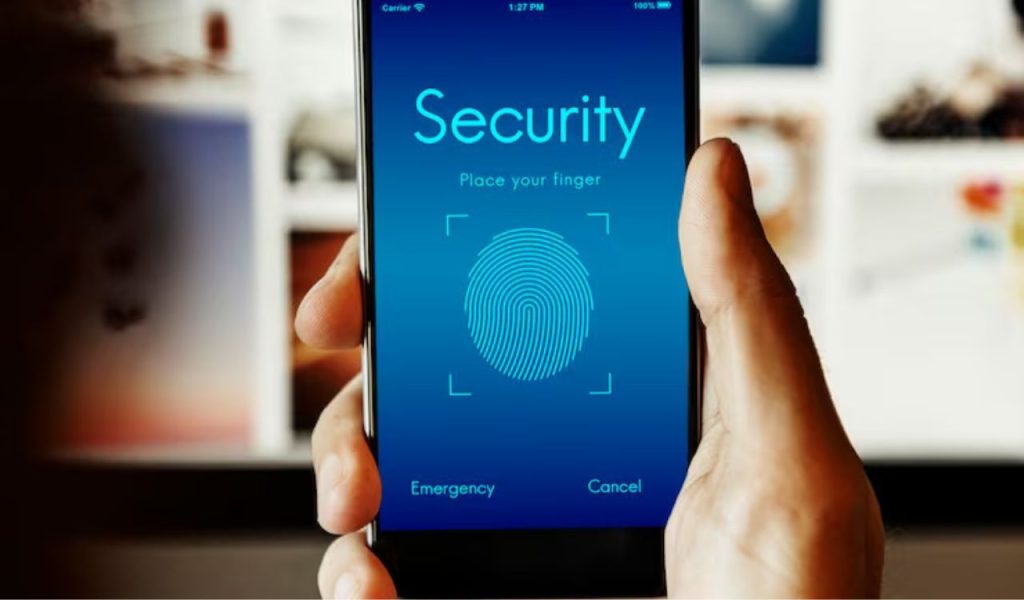
Your email security collapses if your device is left open. One unlocked laptop in an office, café, or shared home can give someone full access to your inbox, including verification codes and password reset links. Build a habit: lock your screen every time you step away, even for a minute. Turn on auto-lock with a short timer and use a strong PIN, fingerprint, or face unlock. On shared devices, never tick “remember me,” and always log out fully. Also, review signed-in devices inside your email settings and remove any you don’t recognize.
8) Risky Email Providers

Your provider is part of your security. A weak provider may have poor spam filtering, weak account recovery, limited 2FA options, and slow patching. That means more phishing reaches you, and attackers have easier ways to break in. Choose a reputable provider with strong protections: app-based 2FA, security key support, suspicious login alerts, and solid recovery checks. Review your recovery email and phone number so attackers can’t abuse old details. If your provider can’t do the basics, move. Your inbox is the reset key for most accounts, so treat it like a high-security asset.