

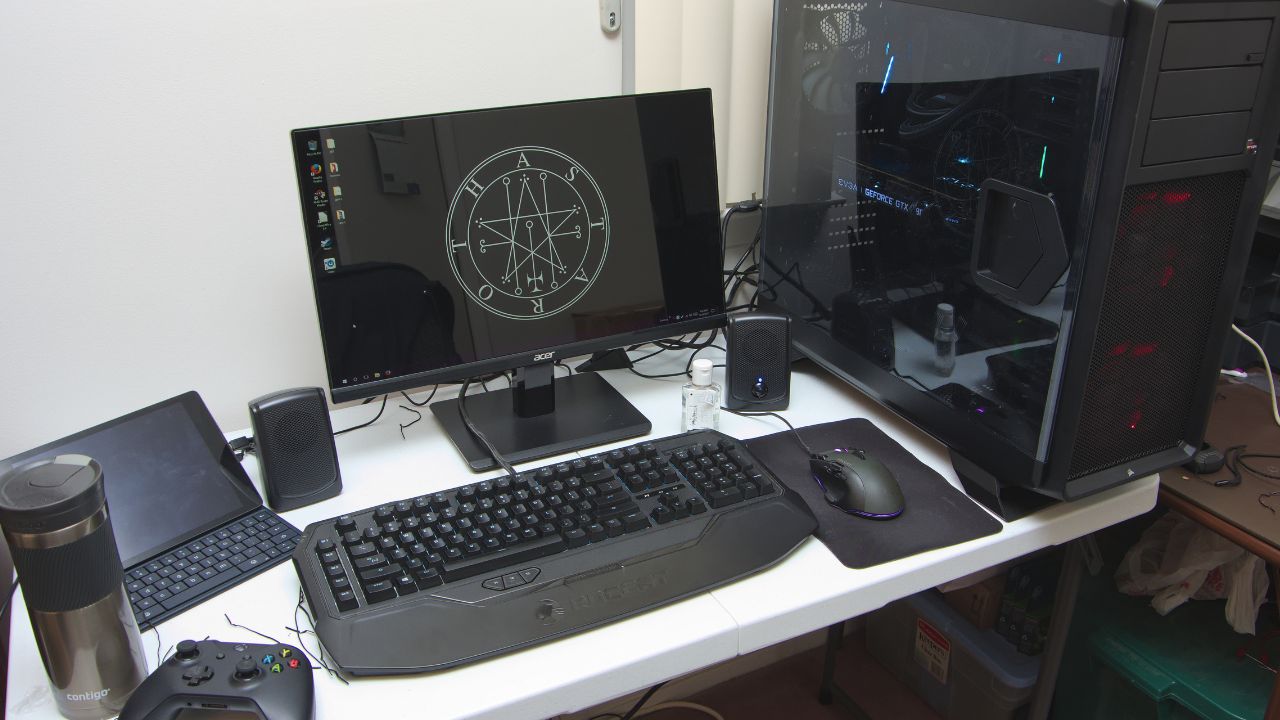

Building or owning a gaming PC can be an incredibly rewarding experience, but it also comes with a learning curve that many players underestimate. Whether you’re assembling your first rig or upgrading an older setup, the world of components, performance tuning, and maintenance is filled with choices that can easily lead to avoidable mistakes. Some of these errors reduce performance, others shorten hardware lifespan, and a few simply waste money. Despite years of guides, reviews, and tutorials, players continue to repeat the same pitfalls that hold their systems back. Here are eight common gaming PC mistakes that players still make and why they matter more than most people realize.
1. Not Checking Hardware Compatibility
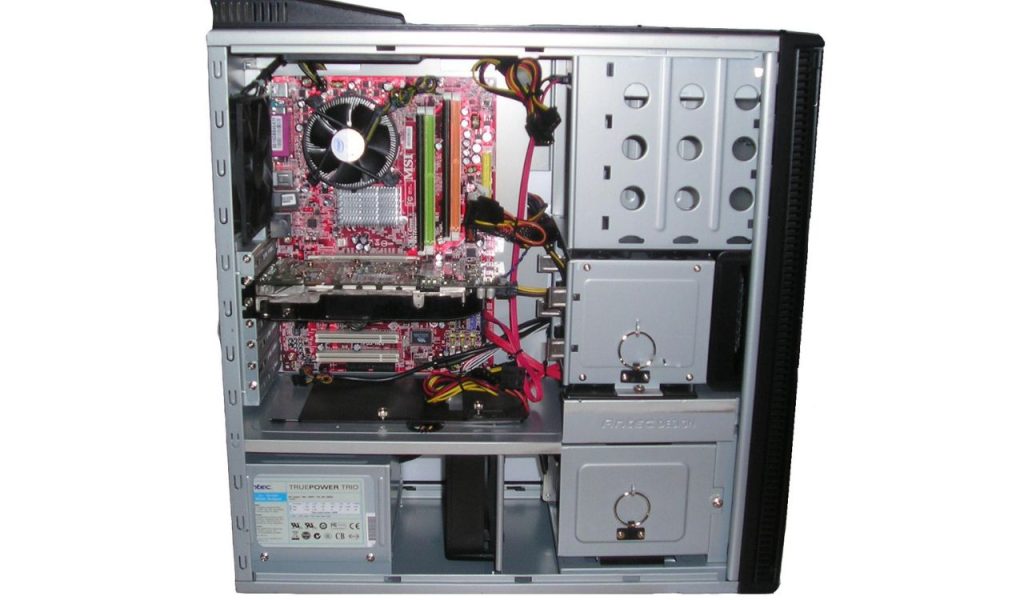
One of the most frequent mistakes players make is purchasing components that aren’t compatible with each other. Whether it’s choosing the wrong CPU for the motherboard socket, mismatching RAM speeds, or picking a case that doesn’t fit the GPU, compatibility issues can quickly bring a build to a halt. Many players assume all parts simply work together, only to discover limitations when assembling their system. This mistake often leads to returns, delays, and unnecessary frustration. Taking the time to verify compatibility beforehand saves both time and money, yet many gamers still skip this essential step and end up paying the price later when problems finally appear.
2. Underestimating the Importance of Cooling
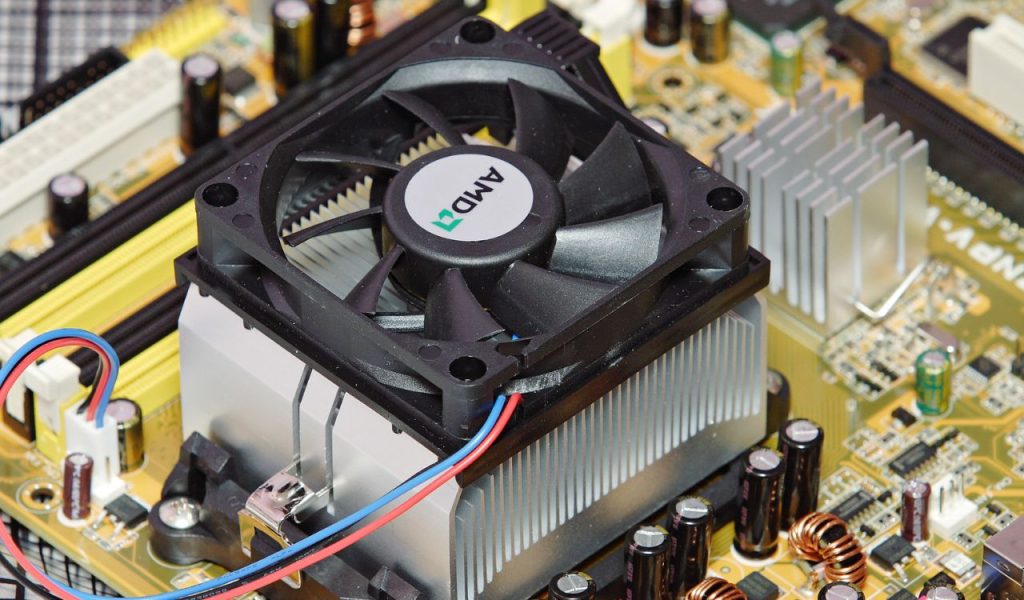
Cooling is one of the most overlooked aspects of a gaming PC. Some players rely only on stock coolers or forget to add case fans, leading to higher temperatures that reduce performance and accelerate hardware wear. Overheating components may throttle under heavy workloads, causing frame drops and stuttering. Others install fans incorrectly, disrupting airflow instead of improving it. A well-cooled system runs more quietly, performs more consistently, and lasts longer. Yet many gamers still underestimate how crucial proper airflow and thermal management are, treating it as an afterthought rather than a core part of their build, even as heat slowly damages performance.
3. Cheap Power Supplies That Cause Bigger Problems
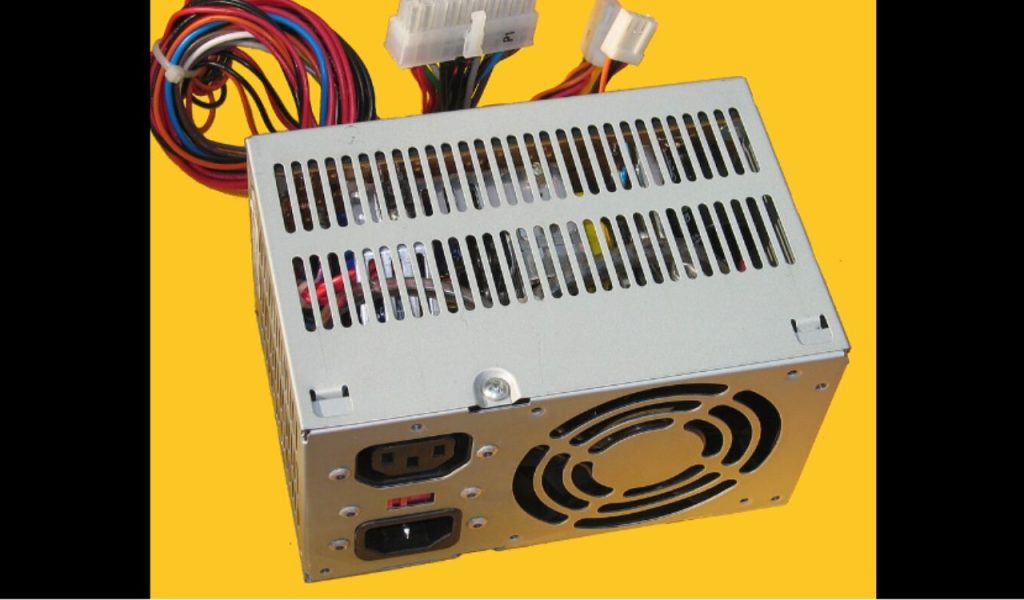
A power supply may not be the most exciting component, but choosing a low-quality one is a mistake that can cost players far more in the long run. Budget PSUs often lack stable voltage regulation, reliable protection, or enough wattage to support modern GPUs. This can lead to crashes, shutdowns, or even hardware damage. Many gamers pick the cheapest option they can find, assuming all PSUs are the same. In reality, a good power supply is the backbone of any stable system. Skimping on it risks the entire PC. Despite this, players still underestimate the importance of investing in a trustworthy unit, sometimes learning the hard way.
4. Ignoring Driver and BIOS Updates
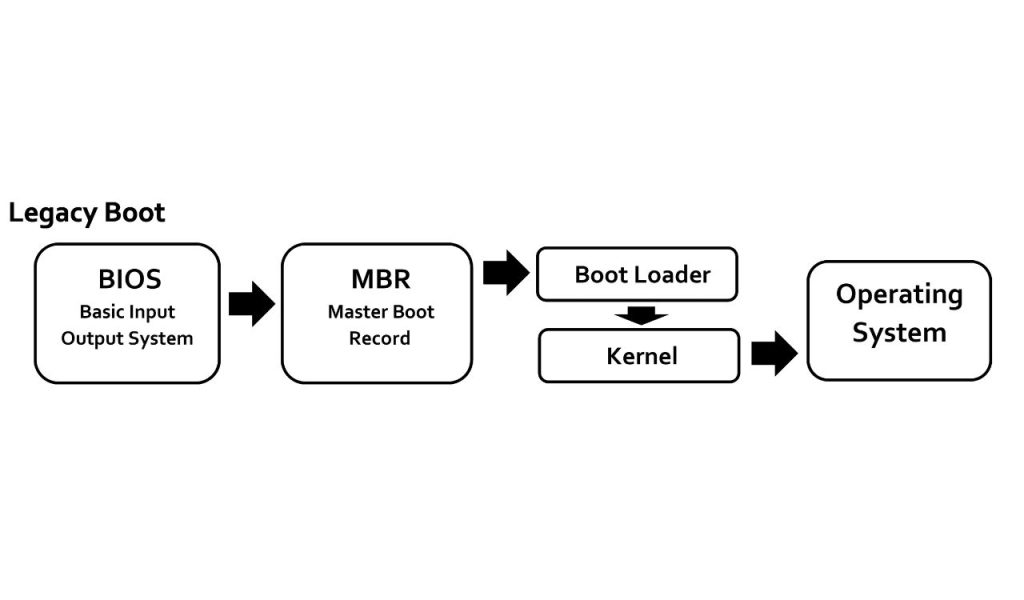
Many players forget to update their GPU drivers, chipset software, or BIOS, assuming their system is fine as long as games run. But outdated drivers can cause performance issues, bugs, and crashes, especially with new titles. BIOS updates can improve CPU stability, memory compatibility, and overall system reliability. Neglecting updates leaves valuable optimizations untapped. While updating can seem inconvenient or intimidating, modern tools have made the process much simpler than before. Still, countless gamers overlook these updates, leaving significant performance on the table without ever realizing how much smoother their games could run afterward.
5. Installing Games on a Slow Hard Drive
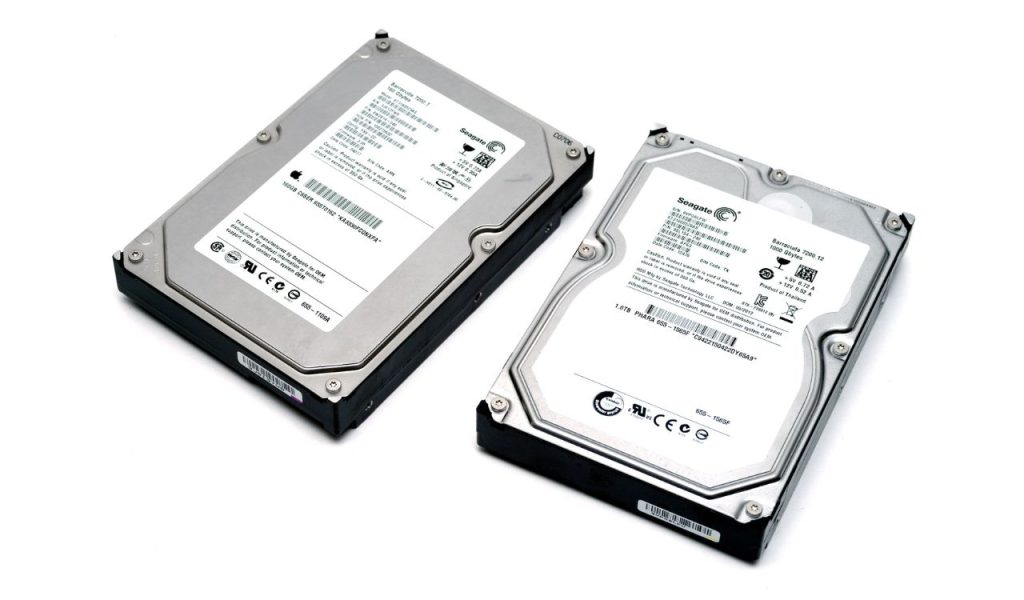
A surprisingly common mistake is installing modern games on old mechanical hard drives instead of SSDs. While HDDs can store large files, their slow read speeds dramatically increase boot times, loading screens, and texture streaming delays. Many players blame their GPU or CPU for stutters when the real bottleneck is storage speed. Solid-state drives are now affordable, yet some gamers continue relying on outdated drives out of habit or lack of awareness. Moving games to an SSD instantly improves responsiveness, but many don’t realize just how transformative this simple upgrade can be until they finally make the switch themselves.
6. Forgetting Regular Cleaning and Maintenance
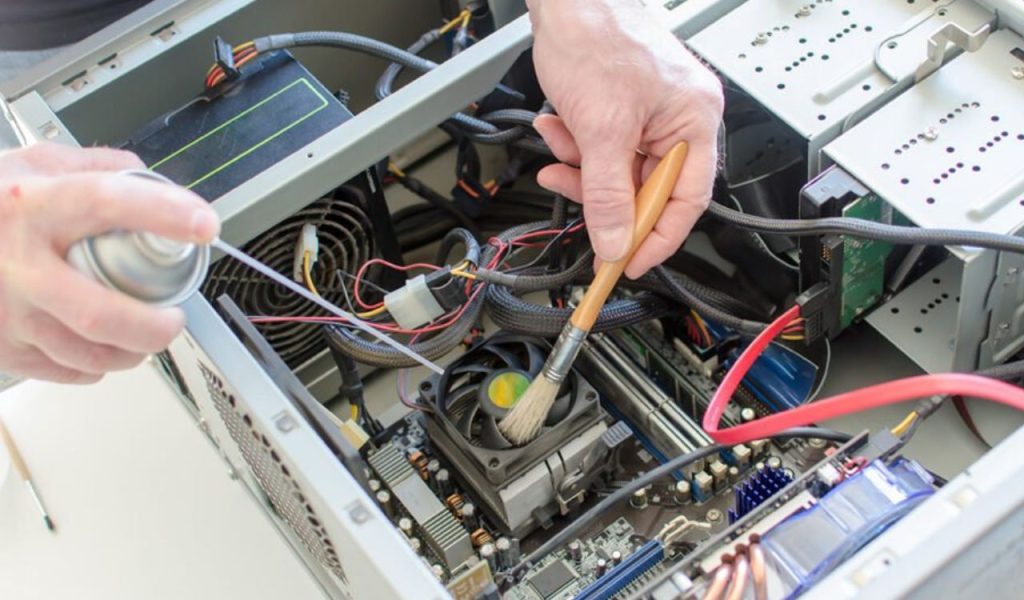
Dust buildup is one of the most persistent threats to a gaming PC. Over time, clogged fans and heatsinks reduce airflow, increase temperatures, and strain components. Many players go months or even years without cleaning their systems, ignoring the gradual performance decline. Neglecting maintenance can lead to thermal throttling, fan noise, and premature hardware failure. Regular cleaning ensures the system runs cool and stable, yet it’s a step many gamers overlook entirely. A few minutes of maintenance every month can prevent hundreds of dollars in damage, but it’s often forgotten until serious problems finally appear.
7. Overpaying for Features They Don’t Need
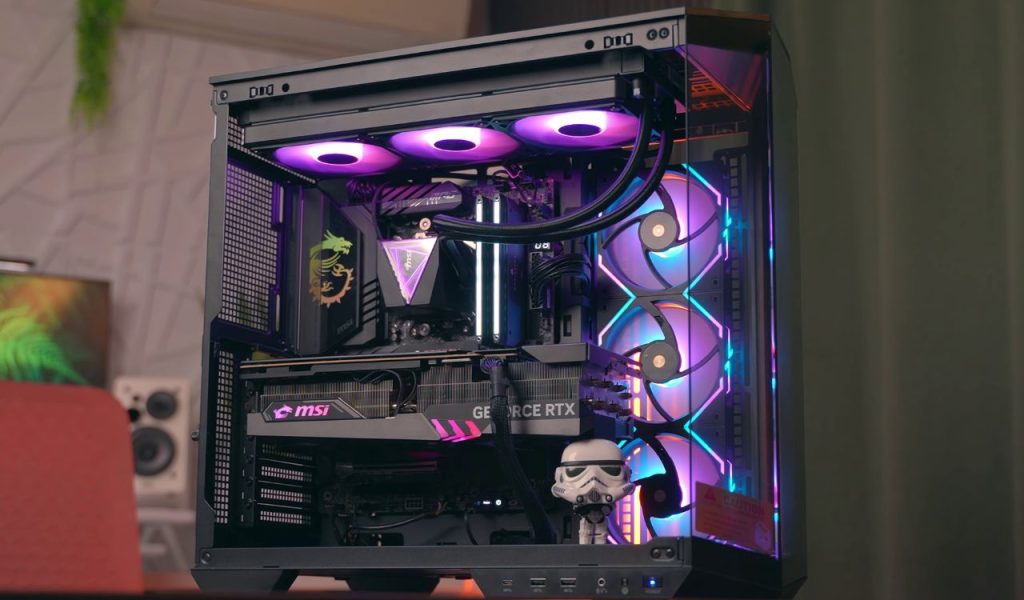
It’s easy to get caught up in marketing hype, leading many gamers to overspend on components that don’t improve real-world performance. RGB lighting, high-frequency RAM that barely impacts gaming, or overly powerful CPUs can inflate a build’s cost without offering noticeable benefits. Many players fall into the trap of buying parts based on popularity rather than practicality. While premium features can enhance aesthetics, they’re no substitute for balanced performance. Overspending often results in misallocated budgets, where crucial parts like GPUs receive less investment because money was wasted elsewhere, leaving the final build less effective overall.
8. Not Adjusting In-Game or System Settings Properly

Even with powerful hardware, a poor configuration can dramatically limit performance. Many players don’t optimize their graphics settings, CPU scheduling, or background processes, leading to inconsistent gameplay. Others rely on default settings, which may not match their hardware capabilities. Proper tuning, from adjusting resolution scaling to enabling the right performance modes, can significantly improve frame rates and stability. Yet countless gamers overlook optimization, assuming raw hardware alone guarantees smooth gameplay. Fine-tuning settings can unlock a system’s full potential, but it requires attention that many players simply don’t give until performance issues begin.