


Solid-state drives are known for their remarkable speed, reliability, and power efficiency, but their lifespan is still limited due to the nature of NAND flash memory, which can only endure a certain number of write cycles before it begins to deteriorate. Many users rely heavily on SSDs without realizing that everyday Windows 11 operations can generate a surprisingly high amount of unnecessary writes that slowly reduce the drive’s endurance. While modern SSDs come with advanced wear-leveling and built-in protective mechanisms, optimizing the operating system to reduce redundant background activity can meaningfully extend their usable life.
1. TrimCheck
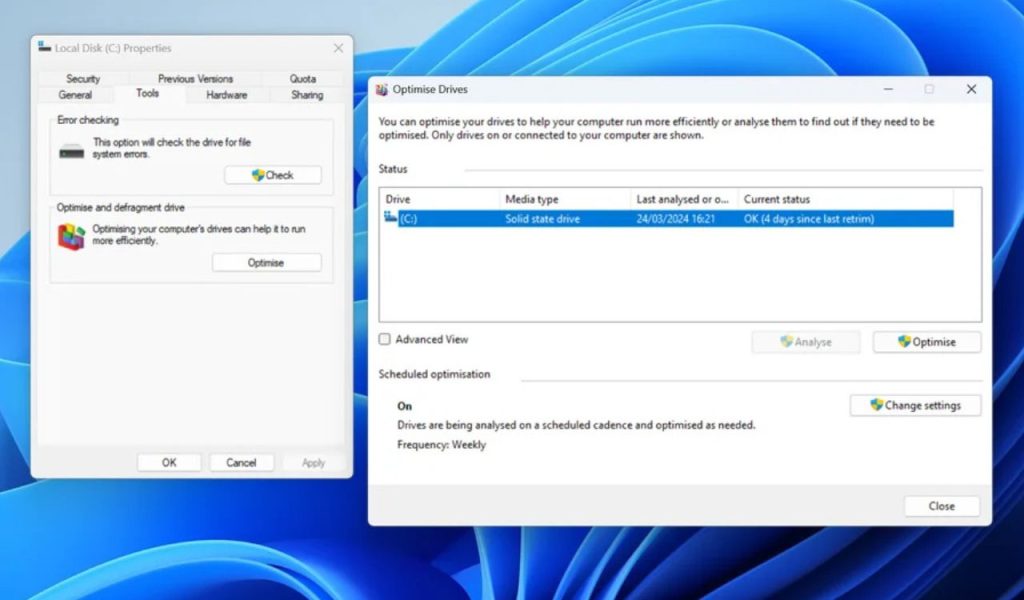
TRIM plays a crucial role in maintaining SSD health by ensuring that deleted data is properly cleared from the drive, allowing it to manage storage blocks efficiently and reduce the stress associated with unnecessary rewriting. When TRIM is functioning correctly in Windows 11, the system communicates which blocks of data are no longer needed, enabling the SSD to handle garbage collection without being forced to erase larger sections of memory before writing new data. This directly reduces write amplification, an issue that significantly influences long-term wear on flash memory cells.
2. DefragOff
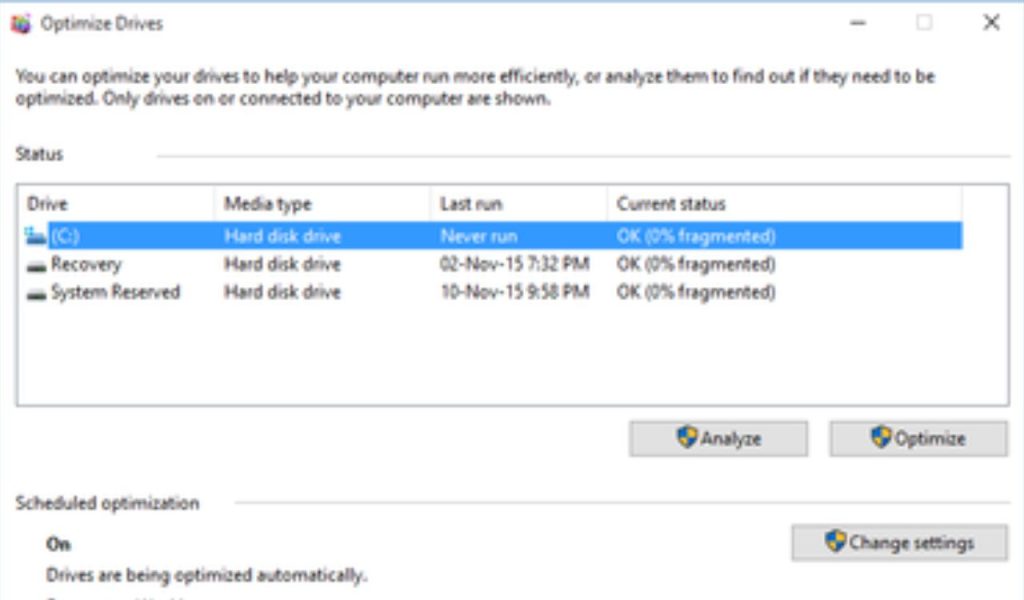
Traditional disk defragmentation is unnecessary and even harmful for solid-state drives because they do not rely on physical spinning platters or mechanical read heads like hard drives do. Defragmentation reorganizes data to reduce seek times on HDDs, but SSDs can access any memory sector instantly, making fragmentation irrelevant while also imposing heavy write loads during the defrag process. Windows 11 usually recognizes SSDs and performs a safer optimization method instead of full defragmentation, yet scheduled maintenance tasks may inadvertently trigger defrag-like operations, especially after major updates or system changes.
3. IndexLight
Search indexing provides faster file search results by continuously tracking changes within folders and updating a database that Windows relies on to deliver instant results. While this may seem convenient, indexing generates ongoing background writes that slowly wear down the SSD, particularly if you store large libraries of media, documents, or software that update frequently. Every small change to a file or directory triggers indexing activity, which accumulates substantial writes over months or years of use. Disabling indexing or reducing its coverage prevents these constant micro-updates.
4. SysQuiet
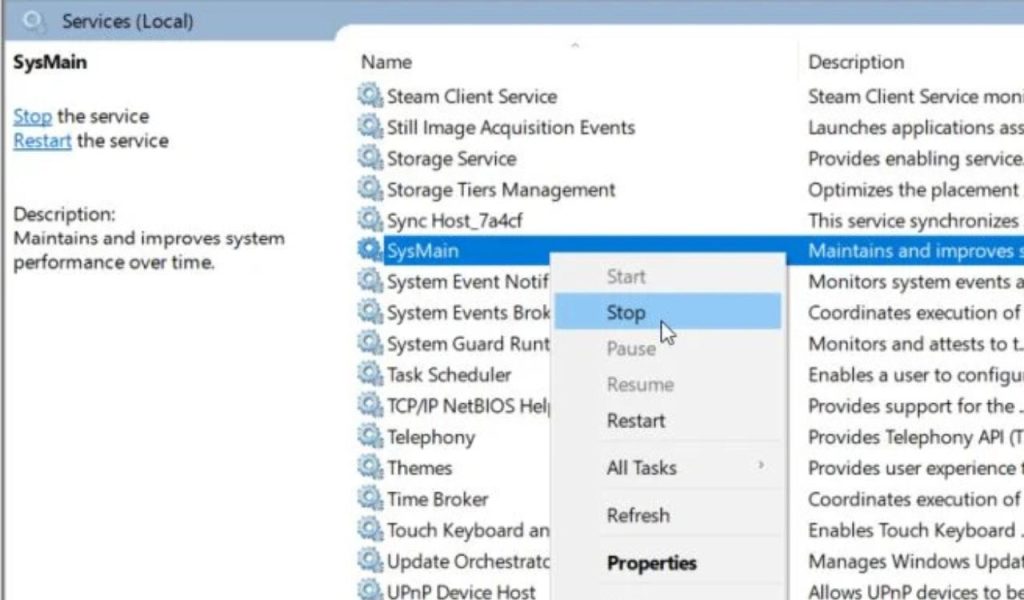
SysMain, previously known as Superfetch, was designed to improve system responsiveness by predicting which applications a user might open and loading parts of them into memory ahead of time. This concept was beneficial for slower hard drives but offers minimal advantages for SSD-based systems, where read speeds are already extremely fast. Unfortunately, SysMain still generates frequent disk operations that contribute to unnecessary writes, increasing thermal output, and adding strain to the drive over extended periods.
5. PageTrim
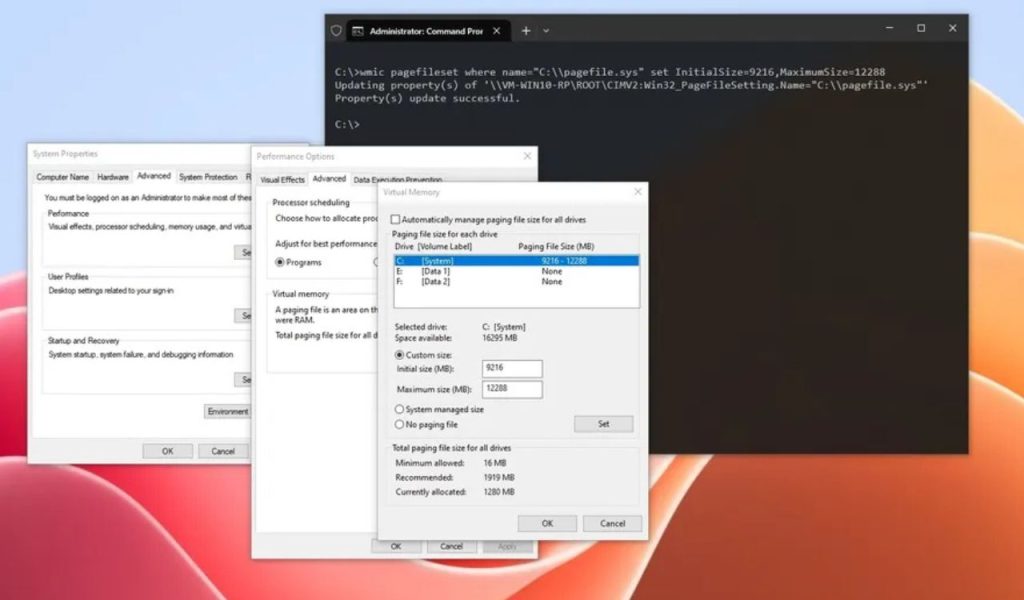
The page file functions as an overflow area for RAM, storing memory data that cannot fit into physical memory during periods of high usage. While this mechanism is essential for system stability, especially on machines with limited RAM, it also results in consistent writing to the SSD because the operating system continuously swaps memory pages in and out of storage. These actions accumulate heavy write activity over time, ultimately contributing to reduced SSD lifespan. Adjusting the page file by lowering its size or relocating it to another storage device significantly reduces the amount of writing the SSD must handle.
6. HibernateOff
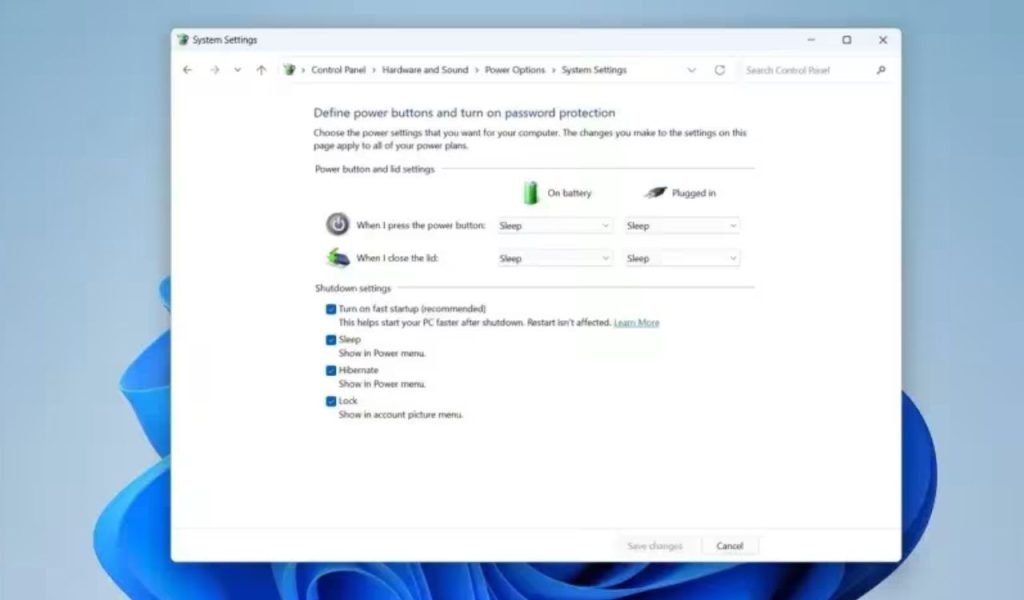
Hibernation creates a massive system file that stores the complete state of your computer, including open applications, memory contents, and processes, so it can restore everything instantly when powering back on. This convenience comes with a cost: every time hibernation is used, Windows writes gigabytes of data to the SSD, creating substantial wear, especially over long-term repeated use. The hibernation file also occupies significant storage space, reducing available capacity and affecting the SSD’s internal wear-leveling efficiency.
7. RestoreCap
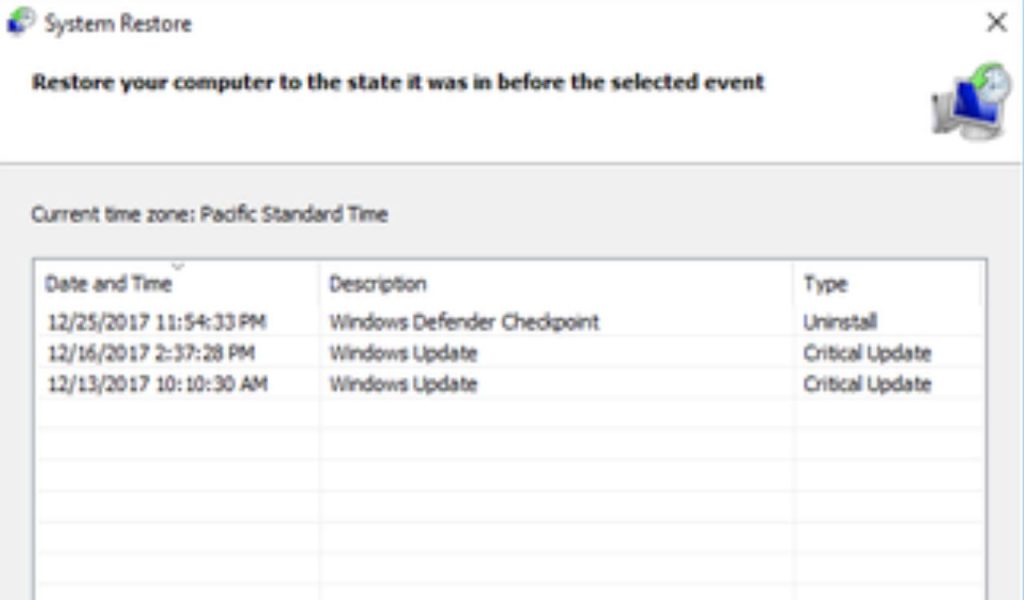
System Restore is a helpful feature for recovering from software issues or system misconfigurations, but it creates restore points that can take up considerable disk space and generate ongoing writes. Whenever Windows installs updates, modifies system files, or performs maintenance, it may create or update restore points, adding more data to the SSD over time. These repeated operations contribute to long-term wear, especially if the restore storage allocation is left at a high percentage. Reducing the maximum disk space allowed for System Restore ensures that Windows only retains essential restore points and automatically removes older ones rather than continuously writing new data.
8. UpdateLimit
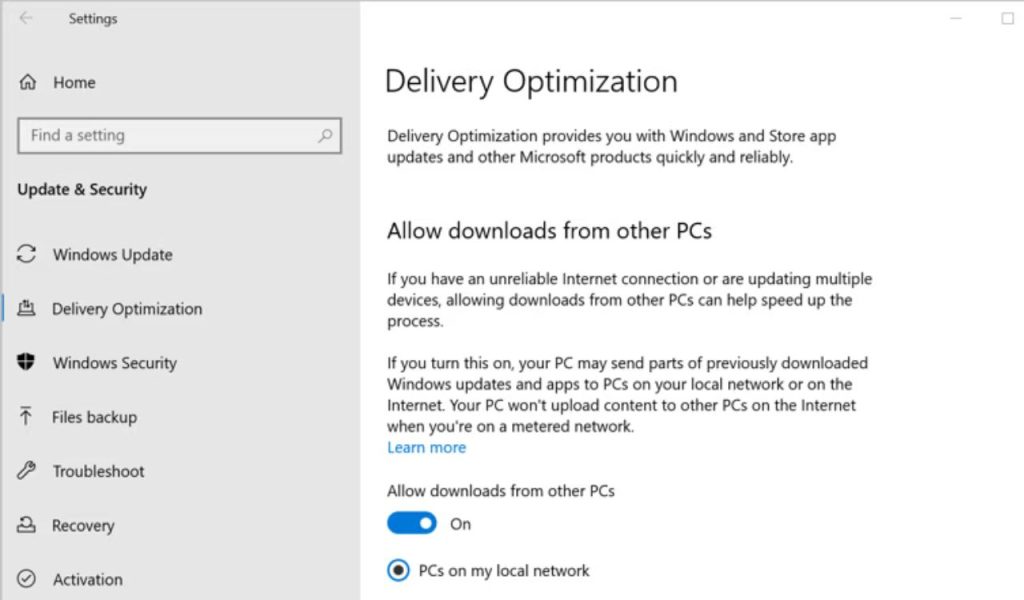
Delivery Optimization is a feature intended to speed up Windows Update by allowing your system to send and receive update data from other computers, either on the internet or your local network. While useful for conserving bandwidth, this feature causes Windows to store and redistribute update packages, creating surplus write operations on the SSD that provide no real benefit to most single-PC users. By limiting Delivery Optimization to only local devices or disabling it entirely, you prevent your system from being used as a peer-to-peer update host, thereby reducing background cache writes that accumulate over time.