



Modern devices include many features designed to improve convenience, performance, and connectivity, yet many run constantly in the background. While useful in some situations, keeping every option enabled is not necessary for everyday gaming or general use. Some settings quietly drain battery power, use data, and consume system resources without clear benefits during normal play sessions. Others collect data or send alerts that distract instead of helping. Knowing which features to enable only when needed helps users maintain smoother performance and fewer interruptions.
1. Background App Refresh

Background app refresh lets apps update content even when not in use. On gaming systems and mobile devices, social apps and launchers keep syncing in the background. While this keeps notifications current, it uses memory, battery, and network data, which can slowly impact overall device stability during extended use. For players who mainly open specific games, constant updates offer little benefit. Turning this off for nonessential apps reduces system load, saves battery on handheld devices, and prevents background activity from interfering with gameplay performance.
2. Location Services

Location services enable apps and system features to access a device’s physical location for navigation and location-based features. In gaming, this is mainly useful for titles that rely on real-world movement or regional matchmaking. However, many devices allow location access to remain active for all apps by default. This continuous tracking can drain battery life and raise privacy concerns without improving most gaming experiences. Limiting location access to specific games or turning it on only when needed helps conserve power, reduces data usage, and keeps location sharing from running unnecessarily during gameplay sessions.
3. Bluetooth When Not in Use

Bluetooth keeps wireless controllers, headsets, and accessories connected without cables, which is useful during active play. When left on constantly, Bluetooth continues scanning for devices and maintaining background connections. This behavior can slowly drain the battery on consoles, handhelds, and mobile devices. If no wireless accessories are used, keeping Bluetooth enabled offers no direct benefit to gameplay. Turning it off when not needed helps conserve power, reduces background processes, and minimizes the chance of accidental connections to nearby devices that could interrupt or distract from a focused gaming session.
4. Cloud Syncing for Game Data

Cloud syncing ensures saved games and settings stay backed up and available across devices. While this feature helps switch platforms or recover progress, constant syncing can run in the background more than necessary. Frequent uploads and downloads use network data and may slightly impact performance during active play, especially on slower connections. For players who mostly use one device, syncing can be limited to manual times. This approach keeps backups available without continuous background activity, helping maintain stable performance and avoiding interruptions during longer gaming sessions.
5. Push Notifications

Push notifications deliver real-time alerts from games, apps, and services, including updates, messages, and reminders. While useful for staying informed, frequent notifications can break concentration during gameplay or clutter the screen with prompts. Many games send alerts that are not time-sensitive and do not improve the experience. Reducing notification permissions or limiting alerts to essential updates helps maintain focus during play sessions. This also reduces background network activity and visual distractions, allowing players to stay immersed without constant interruptions from system messages.
6. Automatic Software Updates
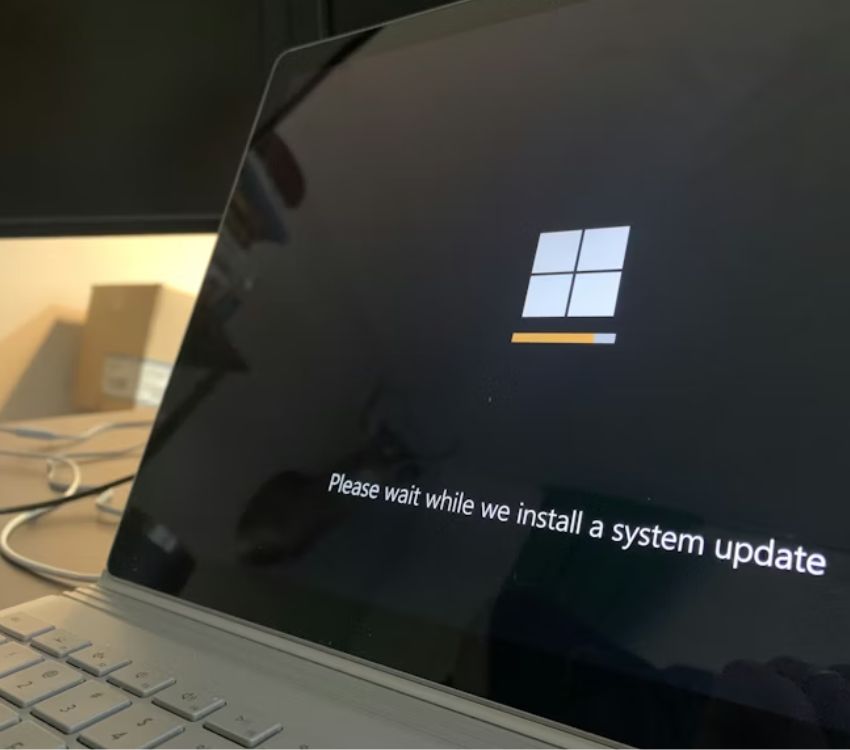
Automatic updates keep systems secure and ensure games and apps run on the latest versions. However, updates can start downloading or installing at inconvenient times, including during gameplay or limited bandwidth periods. Large patches may also use system resources in the background, potentially affecting performance. Setting updates to manual or scheduling them during off-hours gives users more control over when changes occur. This helps avoid surprise interruptions, prevents unexpected data usage, and ensures updates happen when they are least likely to interfere with active gaming sessions or online play.
7. Always-On Voice Assistants
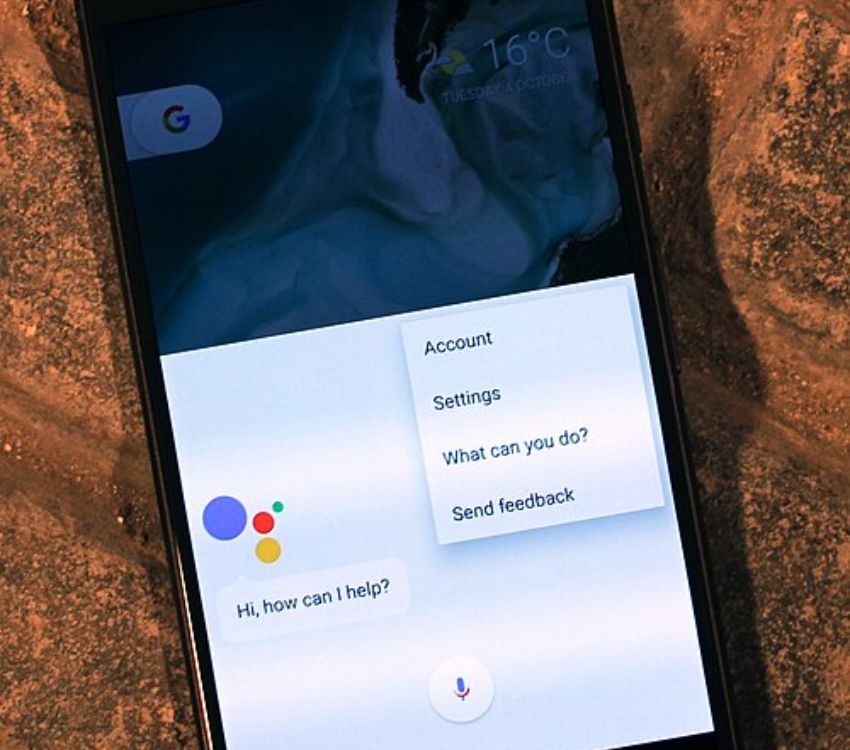
Voice assistants listen for wake words to provide hands-free control and quick access to features. While convenient for some tasks, always-on listening uses system resources and raises privacy concerns. In gaming environments, voice assistants can trigger during voice chat or in-game audio, causing interruptions. If voice commands are rarely used during play, disabling continuous listening can improve performance and reduce background processing. Activating the assistant only when needed allows players to keep the feature available without constant monitoring during gaming sessions.
8. High-Accuracy Wi-Fi Scanning

High-accuracy Wi-Fi scanning improves location precision and network detection by frequently checking nearby networks. For gaming, this feature offers little benefit once a stable connection is established. Continuous scanning can use extra power and contribute to background network activity without improving gameplay performance. Disabling enhanced scanning options after connecting to a reliable network helps conserve battery on portable devices and reduce unnecessary system tasks. This keeps network performance stable while avoiding extra processing that does not directly enhance the gaming experience.
9. Motion Sensors and Tracking

Motion sensors and tracking features enable gesture controls, fitness functions, and motion-based gameplay. When enabled constantly, these sensors remain active even if no motion-controlled games are played. This activity can slightly affect battery life and system performance over time. For players who only use motion controls occasionally, keeping sensors off by default is practical. Activating them only for specific games preserves device resources, reduces background processing, and ensures that motion features are available when needed without running unnecessarily during standard gaming sessions.