


Technology constantly promises efficiency, yet many people still spend unnecessary minutes repeating small digital tasks throughout the day. The real productivity boost does not come from buying new devices, but from using built-in shortcuts already available on your phone or computer. These tools quietly remove friction from daily routines and simplify decision-making. When used consistently, they eliminate micro-delays that accumulate into hours over weeks. Here are nine practical shortcuts that genuinely save time, provided you actually make them part of your daily workflow instead of ignoring them after discovering them once.
1. Keyboard Shortcuts Instead of Constant Mouse Clicking

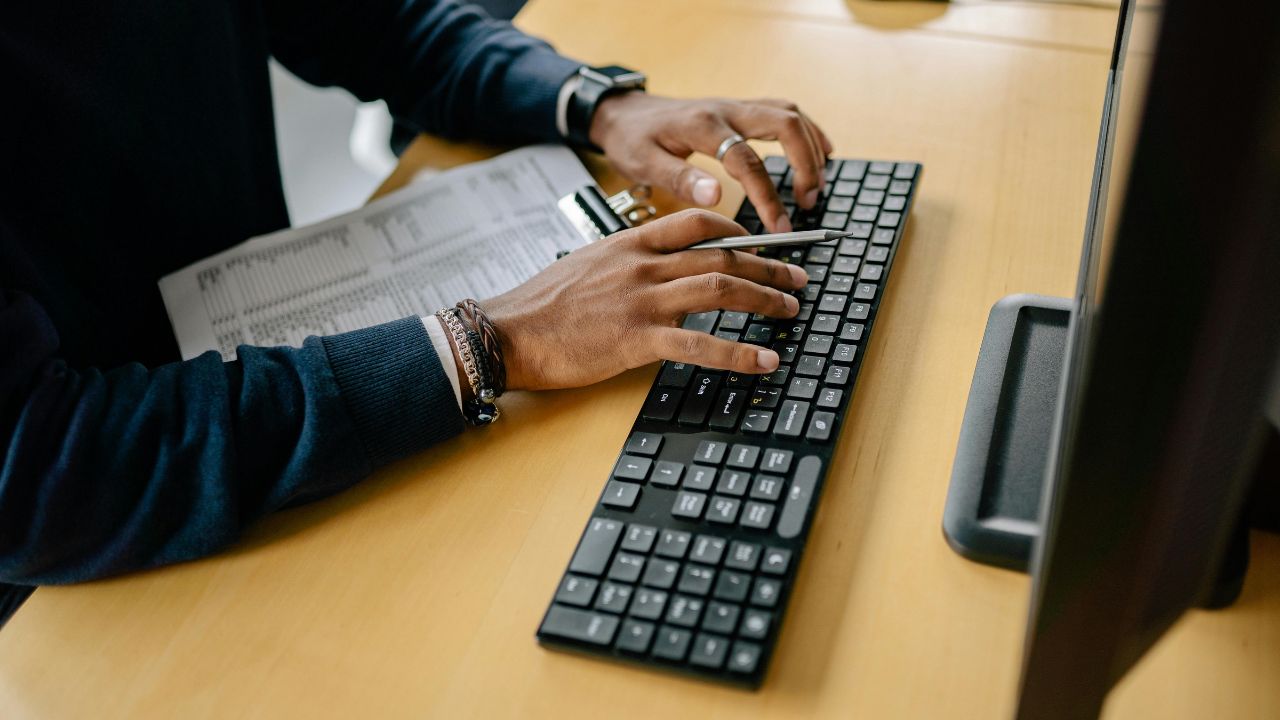
Most operating systems and applications include universal keyboard shortcuts, yet a large number of users still depend entirely on the mouse. Actions like copying, pasting, switching tabs, closing windows, undoing mistakes, opening a search, or refreshing pages can be done instantly without moving your hands away from the keyboard. Eliminating constant cursor movement reduces small delays and mental interruptions that break focus. Over extended work sessions, especially during research, editing, coding, or data entry, these saved seconds compound into meaningful time efficiency and smoother concentration.
2. Text Expansion for Repetitive Responses
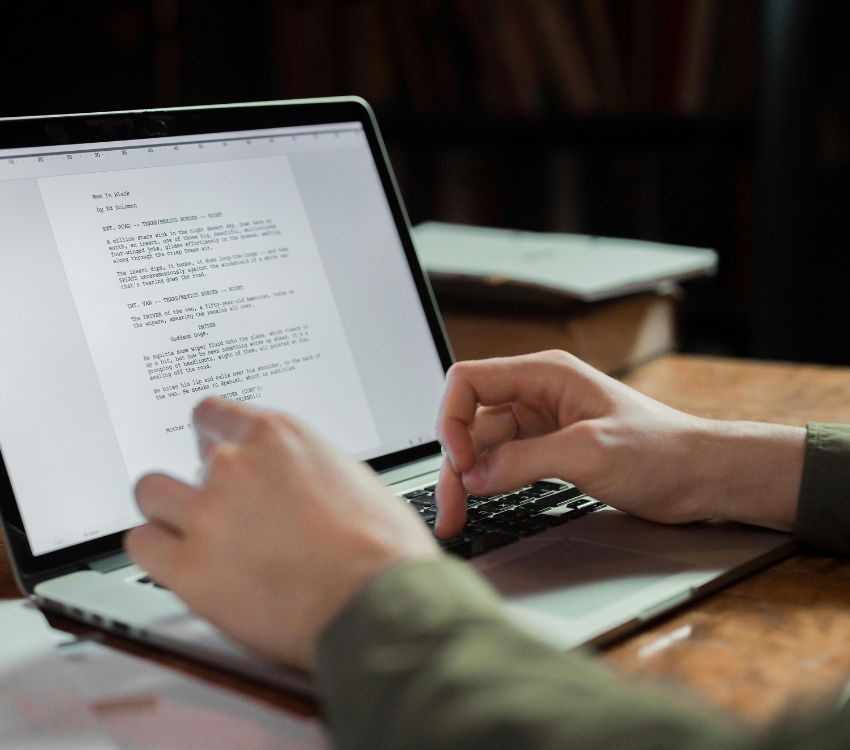
If you frequently type the same replies, signatures, addresses, or standard explanations, text expansion can significantly reduce repetition. Both smartphones and desktop systems allow you to assign short triggers that automatically expand into full sentences or paragraphs. Instead of retyping long messages, a few characters can generate a polished response instantly. This not only saves time but also reduces typographical errors and inconsistencies. Over weeks of consistent use, text expansion quietly transforms repetitive communication into a streamlined, reliable process that improves speed and clarity.
3. Built-In Search Instead of Manual Navigation
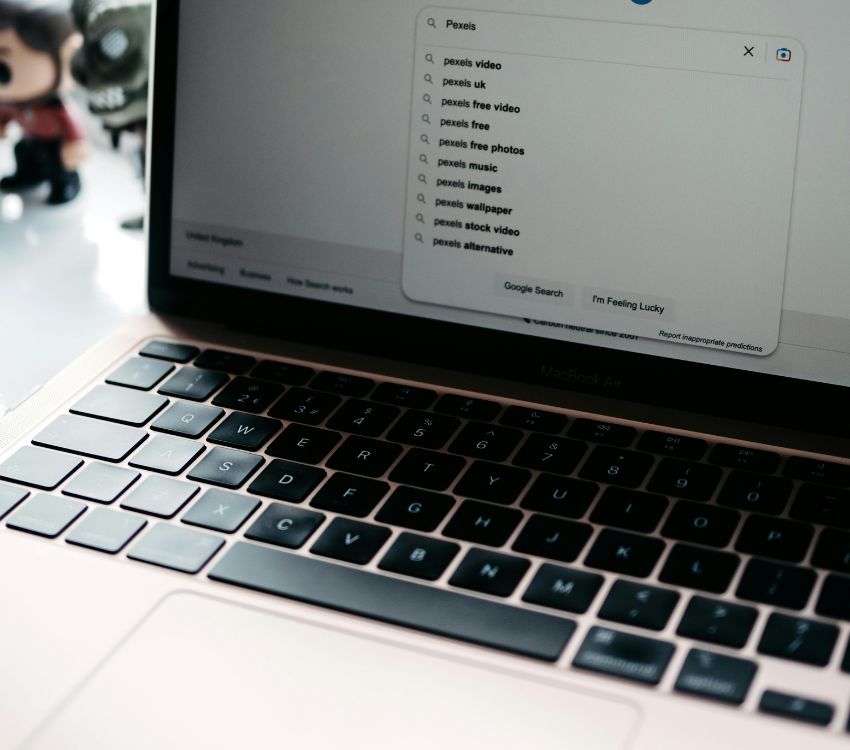
Instead of digging through layered folders or scrolling through endless menus, modern devices provide powerful search tools that locate files, settings, and apps within seconds. Typing a few relevant keywords is typically faster than clicking through multiple directories and subfolders manually. The same principle applies to email archives, browser histories, and system settings, where search bars are often overlooked. By trusting built-in search functions regularly, you reduce friction in navigating digital clutter and prevent unnecessary time loss when managing large and growing collections of information.
4. Automated Cloud Sync Across Devices

Transferring files manually between devices often leads to confusion, outdated versions, and unnecessary duplication. Cloud synchronization services automatically update documents, photos, and notes across all connected devices in real time. Once configured properly, changes made on one device instantly reflect everywhere else. This removes the need for email attachments or physical storage transfers. The true shortcut lies in the initial setup, after which automation handles ongoing updates without requiring further attention, minimizing version conflicts and reducing the mental load of tracking file locations.
5. Voice Dictation for Quick Drafts

Typing remains efficient, but speaking can often capture ideas faster during early drafting stages. Built-in voice dictation tools on smartphones and computers convert spoken words into text with growing accuracy. For brainstorming sessions, long messages, or rough outlines, dictation reduces the mechanical barrier of typing every sentence. Minor edits may still be required, but the initial content appears more quickly. Used strategically, voice input accelerates writing tasks and helps maintain creative momentum. It is especially useful during commutes, walks, or moments when typing is inconvenient but ideas are flowing freely.
6. Email Filters That Sort Before You See Them

An overloaded inbox can slow decision-making before you even begin responding. Email filters allow you to automatically label, archive, or prioritize incoming messages based on sender addresses or specific keywords. Newsletters, receipts, and routine notifications can be sorted before you open your inbox view. This proactive organization reduces visual clutter and improves focus. Over time, automated filtering shortens scanning time and ensures important correspondence stands out immediately. With fewer distractions, you can respond faster and maintain clearer digital boundaries during busy workdays.
7. Screenshot Shortcuts for Instant Capture

Capturing information quickly eliminates the need to manually copy, paste, and reformat text or data. Keyboard screenshot shortcuts allow you to grab an entire screen or selected sections instantly. These images can be stored, annotated, or shared without launching additional software. Whether documenting instructions, saving confirmation details, or preserving visual references, quick capture tools streamline documentation tasks. Consistent use prevents small workflow interruptions from turning into larger delays. Over time, this habit reduces repetitive steps and keeps research or troubleshooting processes moving smoothly.
8. Password Managers with Auto-Fill
Managing multiple passwords often results in repeated resets and wasted login attempts. Password managers generate secure credentials and automatically fill them across websites and applications. After installation and initial configuration, logging in becomes nearly seamless. This reduces time spent typing complex passwords or recovering forgotten ones. Beyond convenience, password managers also enhance security by discouraging reuse. The initial setup investment pays off through long-term efficiency and reduced digital friction. They also simplify account creation and device transitions without compromising protection standards.
9. Calendar Scheduling Links Instead of Back-and-Forth Emails
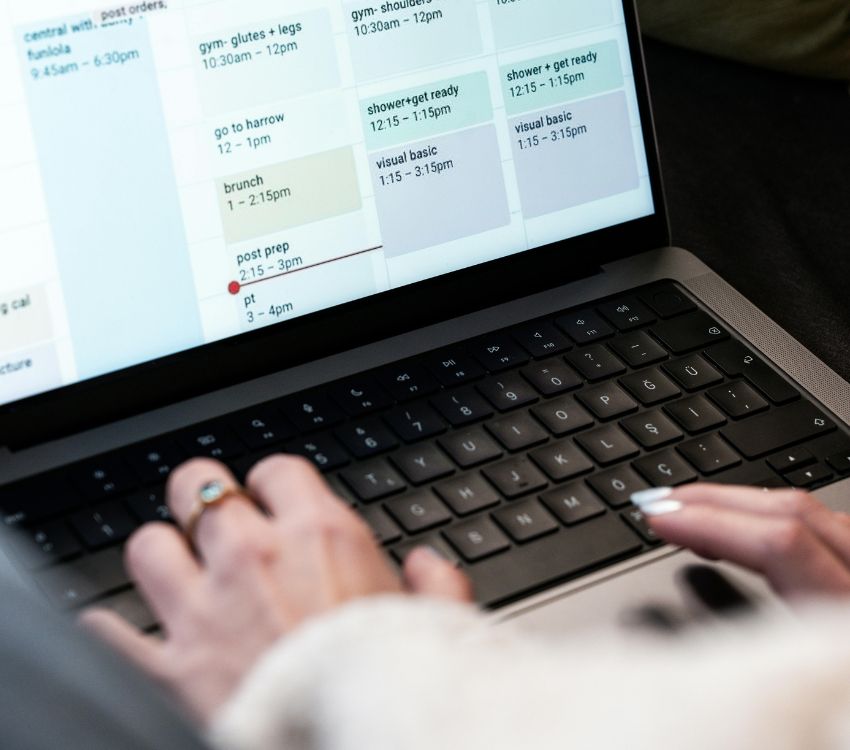
Coordinating meetings through multiple email exchanges can consume more time than the meeting itself. Calendar scheduling links allow others to view your available time slots and book appointments automatically without extra messages. The system checks your calendar in real time, prevents double booking, and confirms instantly. This eliminates unnecessary follow-up messages and reduces scheduling confusion. When used consistently, automated booking simplifies coordination, shortens response cycles, and keeps communication streamlined, especially for recurring professional meetings or collaborative projects.