

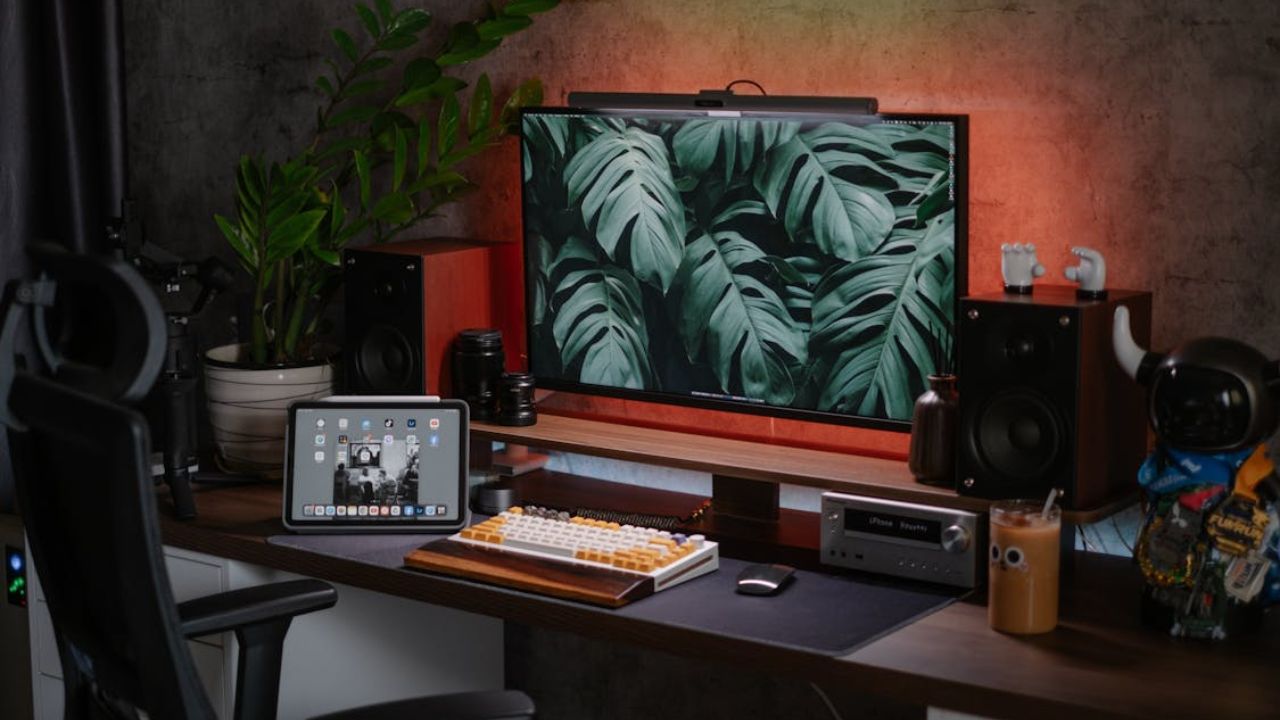

Gaming comfort decides how long you can stay sharp. If your setup forces bad posture, your body wastes energy compensating, and fatigue shows up fast.
That discomfort creates micro-distractions that slow reactions and hurt focus. Fixing setup design isn’t about looking cool. It’s about keeping your spine, eyes, wrists, and shoulders neutral so you can play longer without pain.
Build a Better Base
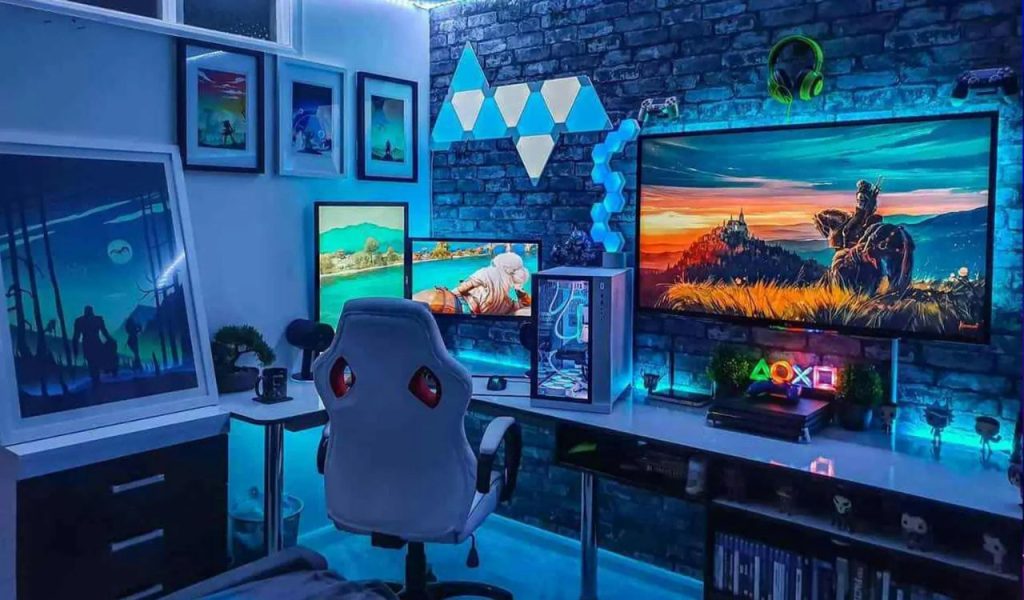
This is where comfort is decided. If your chair support, desk height, and foot position are off, your body spends the whole session compensating.
That compensation shows up as tight shoulders, lower-back stress, and faster fatigue. When you set a neutral base first, everything else in your setup starts working with you instead of against you.
Chair Support Beats Soft Cushioning
A chair that supports your lower back reduces slouching and helps keep your spine neutral. That matters more than a soft seat, because sinking into cushioning can push your hips and lower back into bad angles.
Prioritize lumbar support and adjustability so your shoulders can stay relaxed. OSHA’s workstation guidance emphasizes neutral alignment and arm positioning for comfort.
Desk Height And Angles Protect Shoulders And Wrists
If your desk is too high, you shrug your shoulders and strain your neck. If it’s too low, you hunch and dump stress into your upper back.
A practical target is elbows close to your body with a bend of around ninety to one-hundred-twenty degrees, and forearms roughly parallel to the floor. That alignment reduces tension and keeps your wrists from bending into strain.
Setting Up Orders Matters More Than People Think
Most players adjust everything around the desk and hope it works. Do the opposite: set chair height first, keep feet supported, and then bring the desk to match your elbow height.
When feet aren’t supported, your posture usually collapses upward into the shoulders and neck. OSHA specifically calls out supported feet and neutral arm positioning as part of a proper setup.
Save Your Eyes and Neck
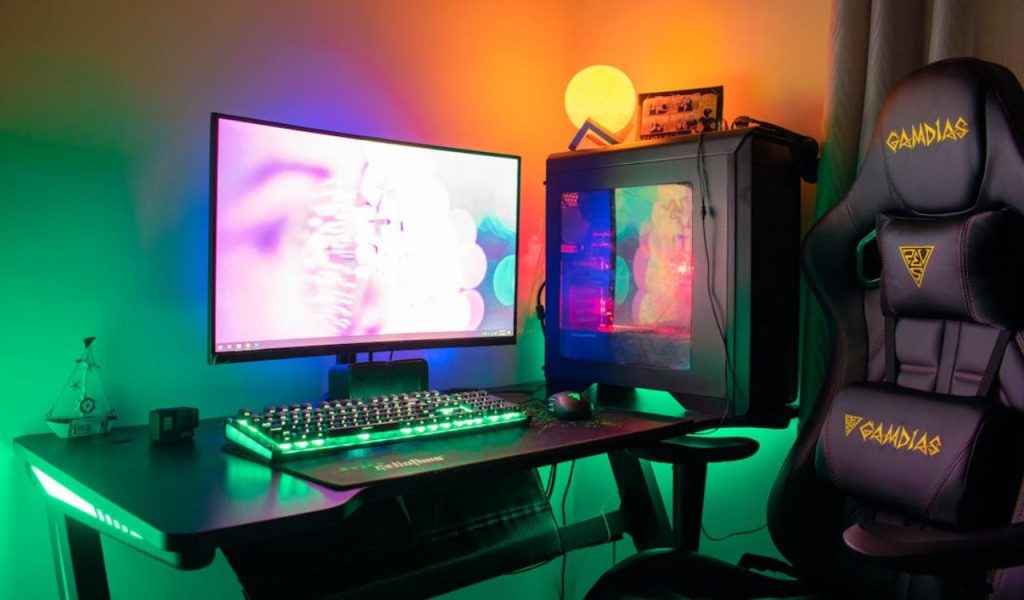
Most long-session pain starts here, even if players don’t notice it at first. A monitor that’s too high, too low, or too close quietly pulls your head forward and strains your neck.
Poor lighting adds eye strain, dryness, and headaches that wreck focus. Fixing height, distance, and ambient light makes long gaming sessions feel smoother and less exhausting.
Monitor Height Prevents Neck Strain
When the monitor is too high or too low, your neck pays the price for hours. A common ergonomic target is placing the top of the screen at or slightly below eye level so the neck stays neutral.
This reduces chronic neck strain and the forward-head posture that builds over long sessions. Multiple ergonomic sources recommend this same alignment.
Viewing Distance Reduces Eye Fatigue And Leaning
Sitting too close makes you squint and creep forward without noticing. The American Academy of Ophthalmology suggests sitting roughly at arm’s length from the screen, around twenty-five inches for typical computer use.
If text feels small at that distance, increase the font/UI scale instead of leaning in. This protects both eyes and posture at the same time.
Breaks And Lighting Keep Vision Comfortable Longer
Digital eye strain is real, and it stacks fast during marathon sessions. The American Optometric Association recommends the 20-20-20 rule: every twenty minutes, look twenty feet away for twenty seconds.
Also, harsh contrast (bright screen in a dark room) can reduce visual comfort, which is why soft ambient light behind the monitor is commonly used to lower perceived strain.
Stay Consistent Long-Term
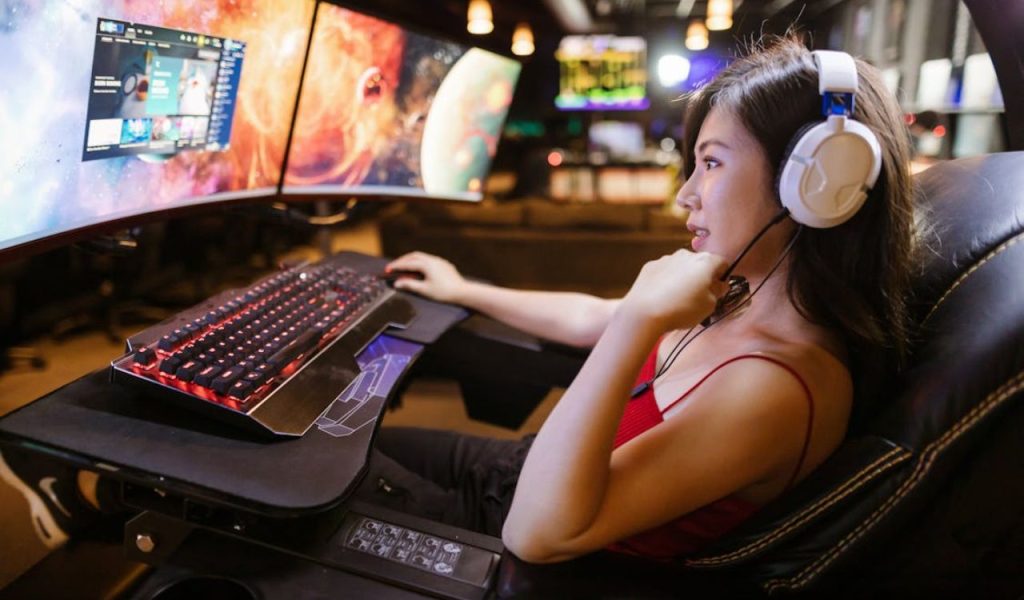
Comfort isn’t just about one perfect day. Small changes in chair height, mouse position, or monitor distance can mess with muscle memory and make your hands feel “off.”
Wobble and clutter also create hidden stress that drains energy over time. A stable, repeatable, organized setup keeps comfort predictable and protects your gaming longevity.
Keyboard and mouse placement reduces RSI risk.
If your mouse and keyboard force awkward wrist angles, strain becomes a training habit. Keep them near elbow height and positioned so your wrists stay straight, not bent up or sideways.
OSHA’s workstation checklist emphasizes straight wrists and neutral hand alignment as a key ergonomic marker. If your gear is too big or too small for your hands, it can push you into bad angles even with “perfect” posture.
Stability Prevents Hidden Muscular Fatigue
A wobbly desk or shifting chair base adds constant micro-corrections. Your body keeps bracing without you noticing, which drains endurance and makes precision feel inconsistent.
This also chips away at focus because you’re subtly managing instability. Solid, stable surfaces are comfort upgrades, not aesthetics.
Consistency Protects Muscle Memory And Focus
If your chair height and mouse position change daily, your body has to relearn tiny movements. That interrupts muscle memory and makes practice less efficient.
Mark your chair height, keep monitor distance consistent, and avoid random layout changes. Comfort becomes repeatable performance when your setup stays repeatable.