


Smartphone batteries rarely fail all at once. Instead, they fade faster on days when certain apps are used more heavily.
Many people notice that social media, navigation, or streaming platforms seem to consume far more power than simple tools like notes or calculators.
The difference usually comes down to how each app interacts with your device’s hardware and network.
Battery drain is not random. It reflects how intensively an app uses the processor, screen, location services, and background connections throughout the day.
Small changes in permissions or background settings can often improve battery performance.
Background Activity and Constant Connections
Some apps continue working even after you close them. They refresh content, sync messages, and check servers for updates in the background.
This ongoing activity prevents the phone from entering low-power states, which increases overall battery consumption.
When dozens of apps request updates at once, the system remains partially active throughout the day.
Wireless radios are among the most power-hungry components in a smartphone. Frequent network requests require cellular or Wi-Fi signals to activate repeatedly.
Over time, these small bursts of activity accumulate. What seems minimal can translate into noticeable battery loss by evening.
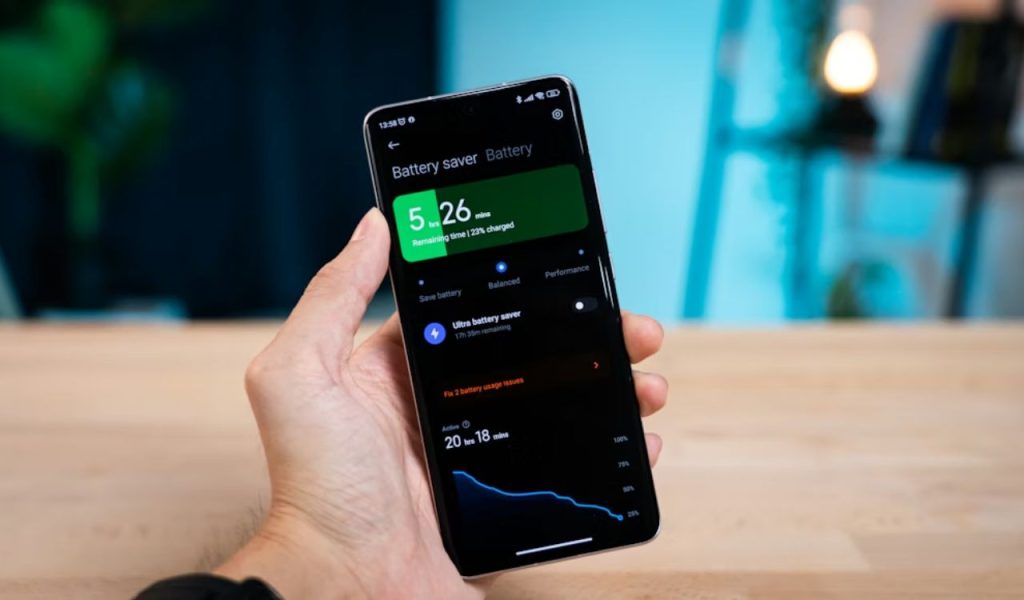
Many devices provide built-in battery dashboards to identify apps that consume disproportionate energy.
Apps That Never Fully Sleep
Social media and messaging platforms frequently sync data. They fetch notifications, update feeds, and maintain active connections so alerts arrive instantly.
Each refresh briefly wakes the processor and network radio. Over time, those repeated wake-ups accumulate into noticeable battery drain.
Live features such as story updates and instant message syncing further increase activity.
Even when the screen is off, background services may continue communicating with servers.
This design prioritizes immediacy over efficiency. While it keeps users connected, it also prevents the device from conserving power.
Data Sync and Push Notifications
Email clients, cloud storage tools, and news apps rely on push notifications. Every incoming alert activates wireless components that consume power.
If dozens of apps request constant updates, the device spends less time idling. That reduced idle time directly affects daily battery life.
Some apps perform periodic checks even without user interaction. These sync cycles ensure updated content but increase energy usage.
Reducing unnecessary alerts allows the device to return to low-power states more consistently.
Location Services and Hardware Demands
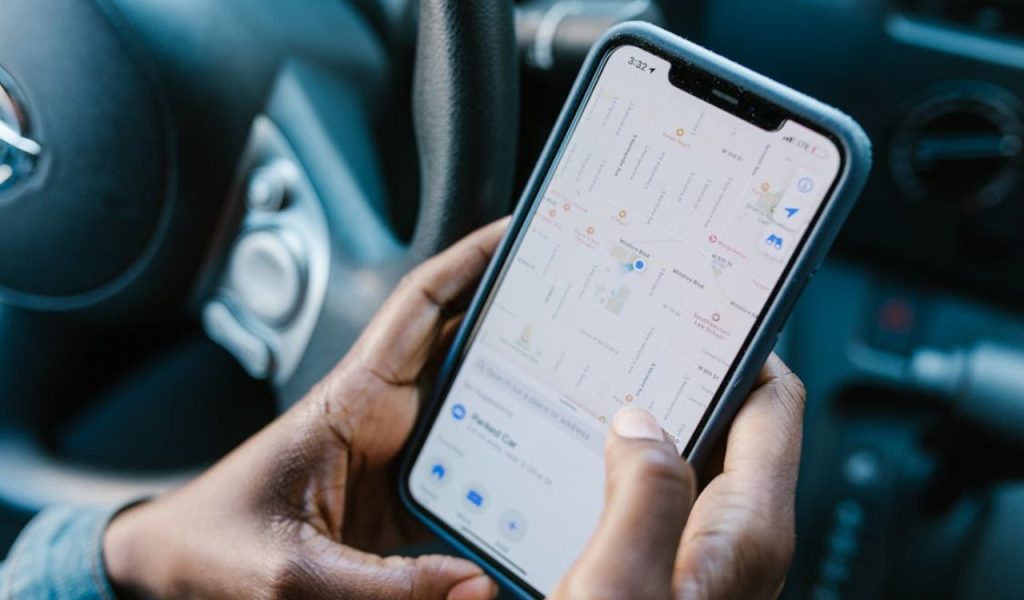
Certain apps depend heavily on hardware features beyond the screen. Navigation, ride-sharing, and weather services frequently access GPS and Wi-Fi positioning.
Location tracking is energy-intensive because it requires continuous communication with satellites and nearby networks.
The GPS chip calculates coordinates by analyzing satellite signals. This processing increases power draw during extended use.
Apps may also rely on cell tower triangulation and Wi-Fi scanning. These combined methods improve accuracy but increase battery usage.
Limiting location access to “while using” can reduce unnecessary background drain.
Continuous GPS Tracking
Maps and delivery apps monitor movement in real time. To provide turn-by-turn directions, they repeatedly calculate position and route adjustments.
This process uses the processor and location sensors simultaneously. The longer the navigation runs, the more battery capacity it consumes.
Traffic updates and rerouting features add network communication. Every recalculation requires data transmission and processor engagement.
Shorter sessions naturally reduce sustained hardware usage.
Sensor and Connectivity Usage
Fitness trackers and travel apps often access motion sensors, Bluetooth, and background data.
Each active sensor draws small amounts of power.
When multiple sensors operate together, consumption rises. The combined effect can shorten battery life more than expected.
Wearable connections require periodic Bluetooth communication. Maintaining that link throughout the day adds incremental drain.
Reviewing app permissions regularly helps maintain balanced battery performance.
Processing Power and App Optimization
Battery drain also depends on how efficiently the software is designed. Apps that require high processing power place a greater strain on the device.
Video streaming, gaming, and augmented reality tools demand constant graphics rendering and network traffic.
Bright screens combined with active processors significantly increase drain.
Modern apps often include animations and real-time effects. These features require sustained processing power.
Software optimization plays a crucial role in efficiency. Well-designed apps manage memory and background activity carefully.
High CPU and Graphics Usage
Streaming high-definition video keeps the display bright and the processor active. Games intensively use graphics chips to render movement and effects.
These tasks prevent the phone from conserving energy. Extended sessions often lead to rapid battery percentage drops.
Lowering video quality can extend usage time. Processor-intensive tasks also generate heat, which may reduce battery efficiency.
Poor Optimization and Outdated Code
Not all apps are equally efficient. Older or poorly optimized software may overwork the processor or request unnecessary background updates.
Well-designed apps limit redundant processes and manage resources carefully. Checking battery usage settings can help identify which apps consume the most power.
Installing the latest version may reduce excessive drain. Reducing background permissions or uninstalling rarely used apps can improve overall performance.
Battery life reflects how apps balance features with resource management